AI is not just a buzzword among creatives. According to the 2025 State of AI in Design report, 89% of surveyed designers already use AI tools in their daily work. By 2026 the shift has gone further: the best tools no longer just make pretty pictures, they produce editable vectors, readable typography, on-brand assets, and production-ready layouts.
The appeal is obvious. AI tools can enhance ideation with image and video generation and reduce repetitive tasks. The hard part is choosing the tool that actually fits your workflow, budget, and output needs. Below are the seven best AI tools for graphic design in 2026, each with what it does best, its pricing, and its standout features.
The 7 Best AI Tools for Graphic Design: Quick Comparison
Tool | Best for | Key strength | Pricing
|
|---|---|---|---|
Canva AI (Magic Studio) | Versatile, all-round design | One toolkit for layouts, social, and decks | Free; Pro from about $120/yr |
Adobe Firefly | Adobe users, commercial-safe output | Generative AI inside Photoshop and Illustrator | Free; from $9.99/mo |
Midjourney | Visual concepts and art direction | Best aesthetic image quality | From $10/mo (no free plan) |
Recraft | Vector and brand assets | Native SVG output | Free tier; Pro from about $12/mo |
Looka | Logo design | Fast, guided logo generation | Logo from about $20 one-time; brand kit from about $96/yr |
Designs.ai | Multimodal creation | Image, video, audio, and copy in one suite | From about $19/mo |
UXPin Merge AI | UI and React prototypes | AI to production-ready React code | Free trial; from about $6/editor/mo |
Pricing is accurate at the time of writing and changes often, so check each tool's site before you commit.
Canva AI (Magic Studio): Best Versatile AI Toolkit
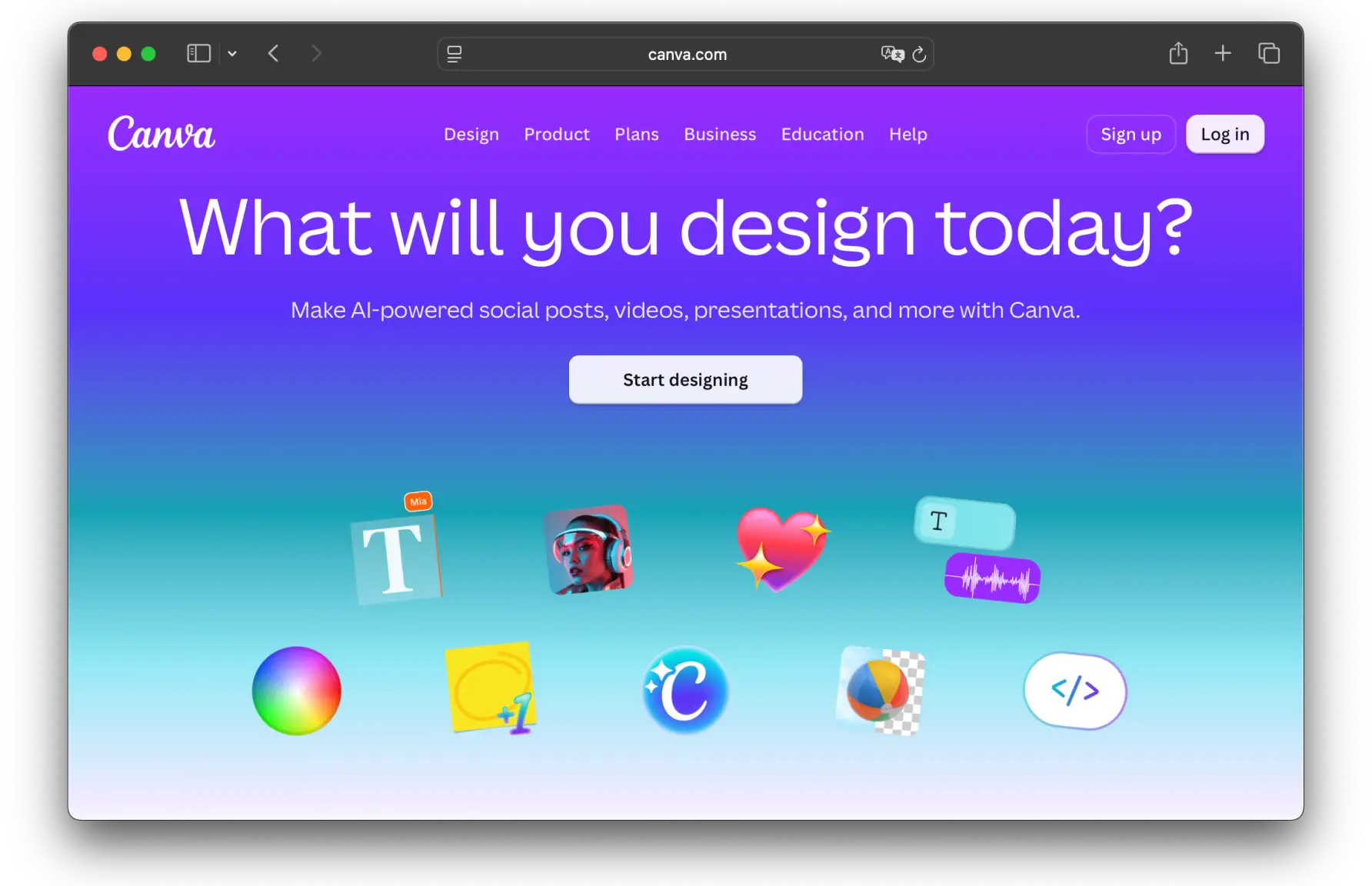
Pricing: free plan with limited AI use; Canva Pro from about $120/year, with Teams plans for larger groups.
Canva democratized graphic design over a decade ago, and its Magic Studio suite now makes it one of the most versatile AI toolkits available. Magic Design turns a prompt into a complete layout, Magic Edit adjusts individual elements, Magic Resize reformats a design for different platforms in a click, and Dream Lab handles text-to-image generation. Professional designers use it to prototype and concept quickly, then refine.
Key features:
Prompt-based image, layout, and design generation
Fully editable AI-generated designs
Magic Resize and Magic Edit for fast reformatting and tweaks
Available on desktop and mobile, with brand and content controls
Supercharge Your Graphic Design.
The right AI tool speeds up the busywork, but it cannot replace craft. See how Fivecube's designers turn ideas into standout visuals.
Adobe Firefly: Best for Adobe Workflows and Commercial-Safe Output
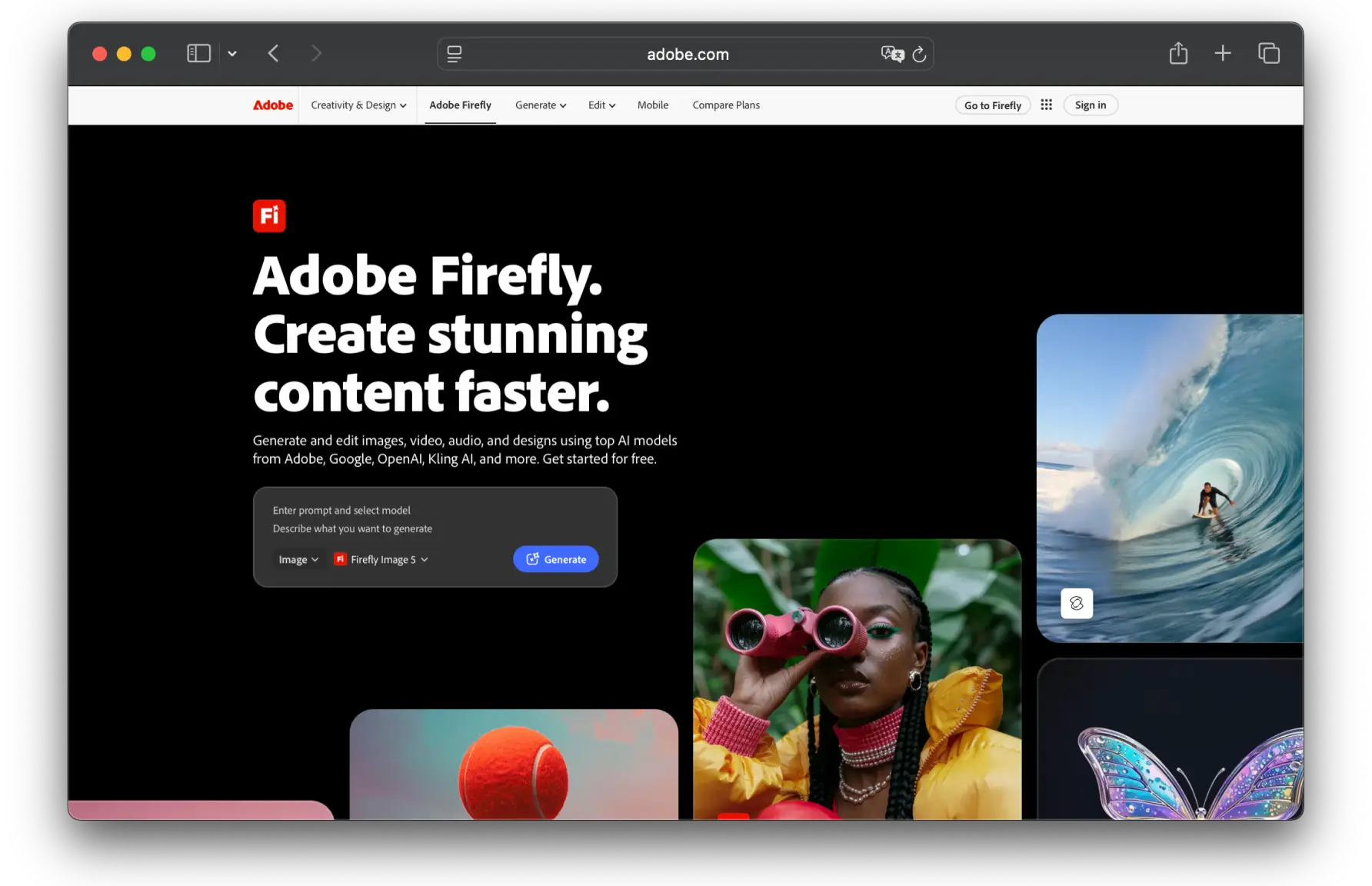
Pricing: free plan with limited credits; Standard from $9.99/month, Pro from $19.99/month. Also included with Creative Cloud plans.
Adobe Firefly is the AI engine behind Generative Fill in Photoshop, text-to-image in Express, and asset generation across Creative Cloud. If you already work in Adobe apps, Firefly is not a separate tool you bolt on, it lives inside the software you use every day. Its biggest differentiator is commercial safety: Firefly is trained on Adobe Stock, openly licensed, and public domain content, which matters for agencies and brands worried about IP.
Key features:
Generative Fill and generative expand inside Photoshop
Text-to-image and text effects
Deep integration with Photoshop, Illustrator, and Express
Commercially safer training data
Midjourney: Best for Image Quality and Concepts
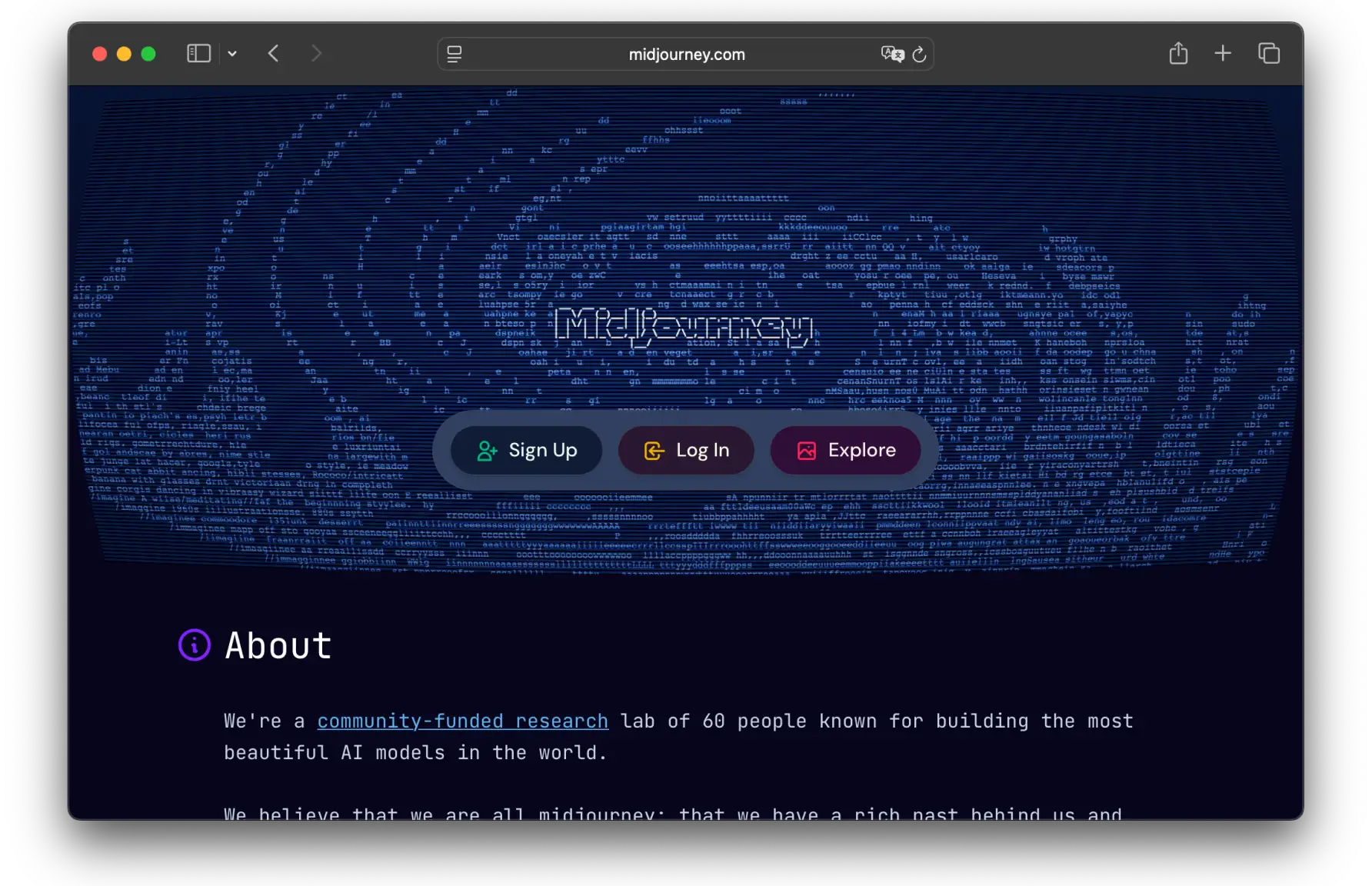
Pricing: from $10/month (Basic), up to $60/month (Pro); no free plan.
Midjourney remains the quality benchmark for AI-generated imagery. For mood boards, art direction, and editorial or conceptual visuals, it consistently produces results that need less post-processing than most alternatives. It now offers a web interface in addition to its original Discord workflow, and it trains on licensed or IP-cleared data, which helps for commercial work.
Key features:
Best-in-class aesthetic image quality
Web and Discord workflows
Style and reference controls for consistent direction
Stealth mode for private client work on higher plans
The tradeoff: no built-in editing, so you generate in Midjourney and refine elsewhere.
Recraft: Best for Vector and Brand Assets
Pricing: free tier with daily credits; Pro from about $12/month.
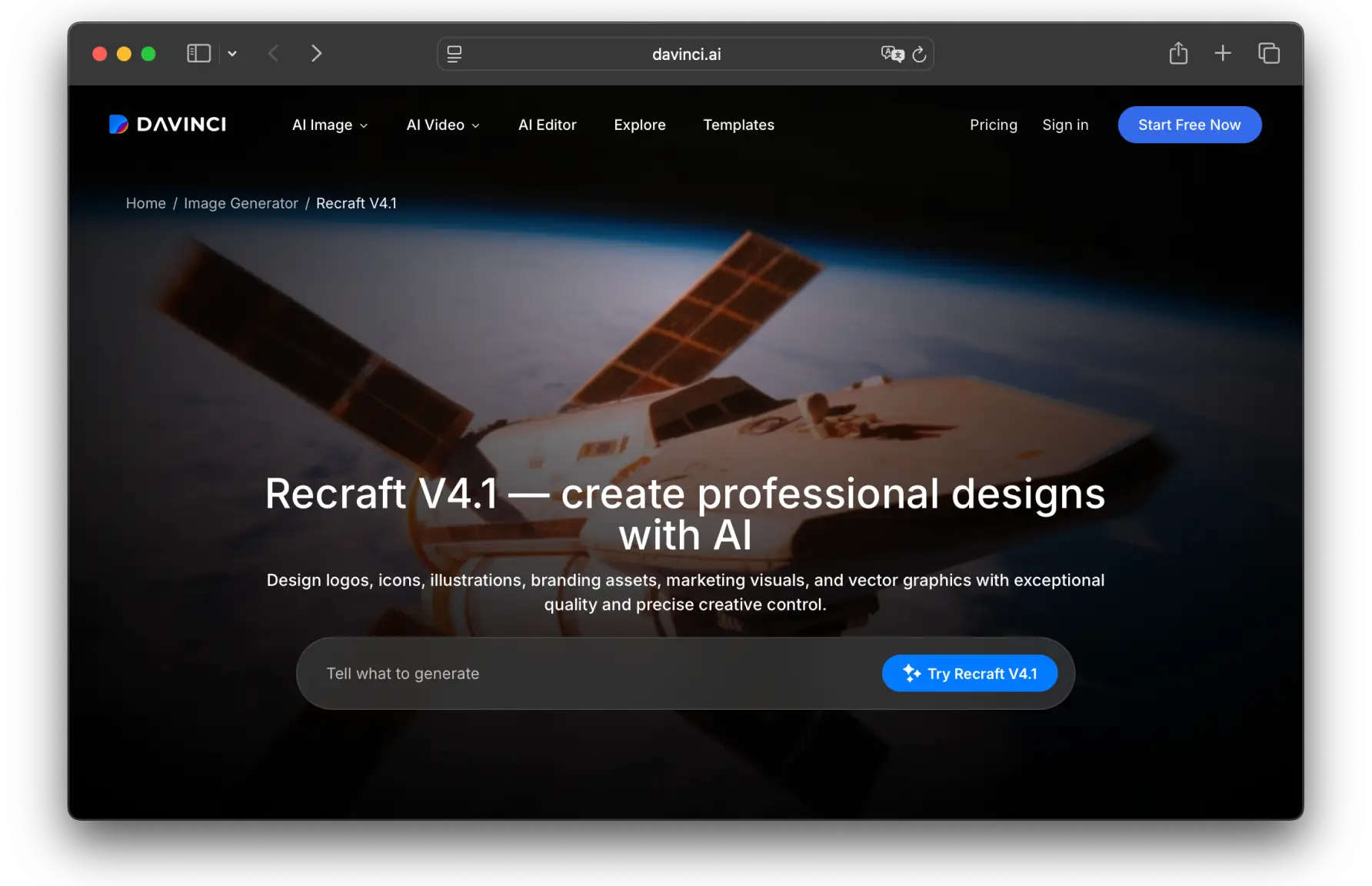
Recraft is the rare AI generator that outputs native vector graphics. While most tools give you a flat PNG, Recraft produces editable SVG files you can open in Illustrator or Figma, which removes the raster-to-vector cleanup step entirely. It also lets you build a reusable custom style from a few reference images, a big advantage for keeping large asset libraries on brand.
Key features:
Native SVG and vector generation
Custom brand styles from reference images
Background removal, upscaling, and a vectorizer
Icons, illustrations, and mockups from one interface
Looka: Best for Logo Design
Pricing: generate logos for free, pay only to download. Logo files from about $20 one-time; brand kit subscriptions from about $96/year.
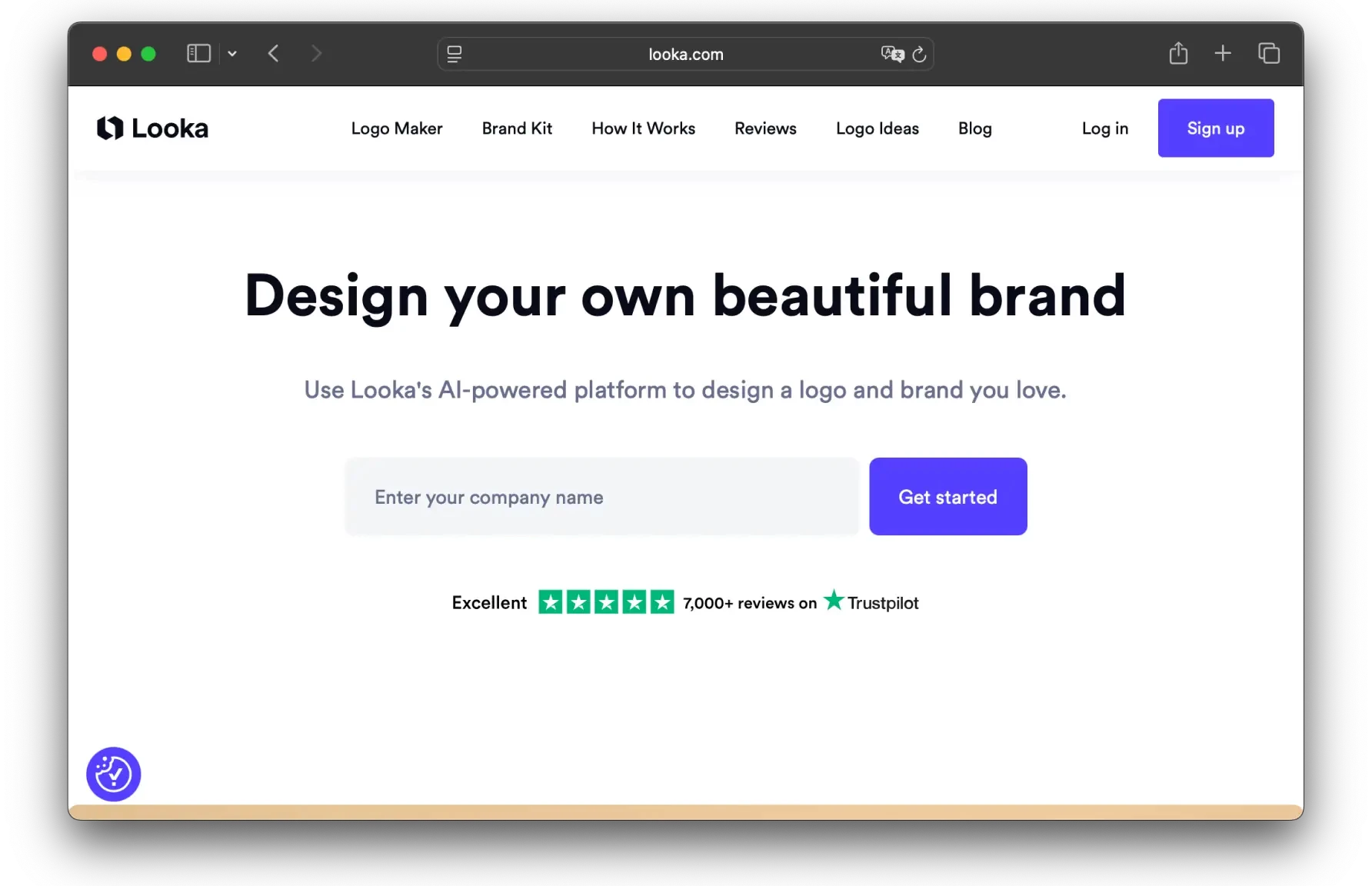
Need a no-hassle logo to iterate on quickly with a client? Looka is one of the best AI tools for logo design. You can generate as many logos as you want for free and only pay for the download. It bases its output on your company name and the styles, colors, and symbols you select, then lets you refine in a built-in editor.
Key features:
Free logo generation, paid download
Built-in editor for refinement
Output guided by preferred style, palette, and symbols
Brand kit for consistent assets across materials
Designs.ai: Best for Multimodal Capabilities
Pricing: from about $19/month (billed annually).
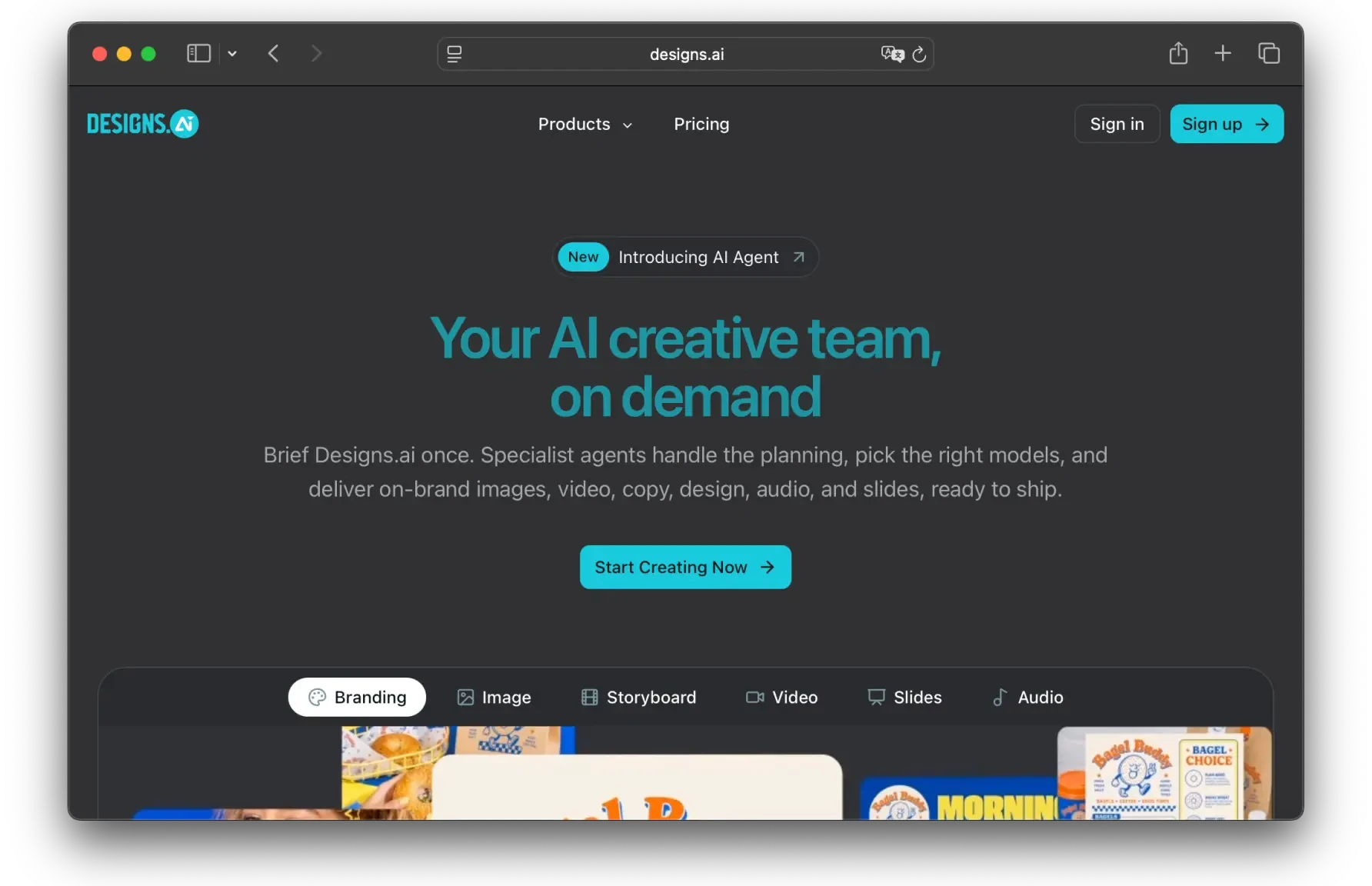
Designs.ai is a versatile toolkit rather than a single-purpose generator. It creates visuals, logos, audio, and video, swaps faces in images and videos, removes backgrounds in one click, and produces copy with a built-in AI writer. Its AI Draw tool even turns rough sketches into presentable visuals, making it a strong all-in-one option for small teams.
Key features:
AI image generator, logo maker, and background remover
AI writer for marketing copy
AI audio and video generation
Face swapping for images and video
UXPin Merge AI: Best for UI and React Prototypes
Pricing: free trial; from about $6/editor/month (billed annually).
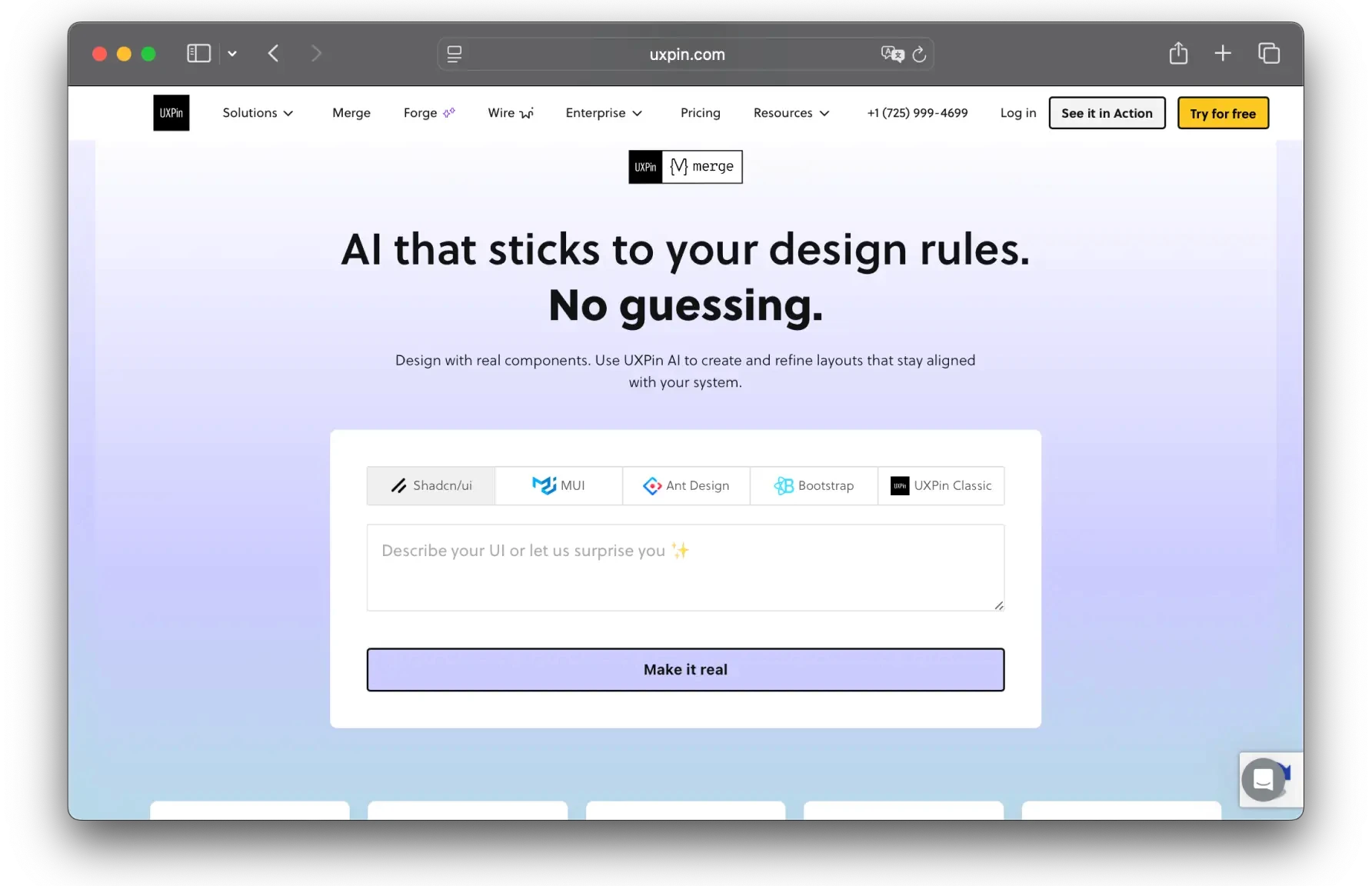
If your graphic work crosses into product and web design, UXPin's Merge AI helps you turn ideas into functional prototypes fast. Built for React teams, it is also one of the top AI design tools for designers who need to generate UI components quickly when providing UI design services. Unlike pure generators, Merge AI turns those components into clean React code.
Key features:
UI exploration and interactive prototyping
Design system development and documentation
Clean React front-end code generation
Integrations with React libraries like MUI, Ant Design, and Bootstrap
How to Choose the Right AI Tool for Graphic Design
There is no single best tool, because design needs vary. Match the tool to what you create, how you work, and your budget:
For versatile, everyday design: Canva AI covers social posts, decks, and brand assets in one place.
For an Adobe workflow or commercial safety: Adobe Firefly generates inside Photoshop and Illustrator with licensed training data.
For the best raw image quality: Midjourney leads on artistic and editorial visuals.
For editable vectors and brand assets: Recraft is the only major tool that outputs native SVG.
For logos: Looka gets you usable concepts fast.
For a multimodal all-in-one: Designs.ai bundles image, video, audio, and copy.
For UI and product work: UXPin Merge AI turns components into React code.
Most of these tools offer a free tier or trial, so test two or three that fit your workflow before committing to a paid plan.
Final Thoughts
AI tools can enhance design workflows across every domain, from logo design to UI/UX for websites and software products. But they still cannot rival human creativity, or the ability to understand context and adapt the design accordingly.
AI tools for website design can quickly create a first round of prototypes, yet they cannot fully replace professional website redesign services, because algorithms cannot devise the best way to address the pain points revealed in user feedback. So do not forego the human touch for the sake of AI-powered efficiency. AI is only a tool, not a substitute for designers' empathy and creativity.
By
Fivecube Team
Frequently Asked Questions
What is the best AI tool for graphic design?
There is no single winner. Canva AI is the most versatile all-rounder, Adobe Firefly is best for Adobe users and commercial-safe output, Midjourney leads on image quality, and Recraft is best for editable vectors. The right choice depends on your use case.
Are there free AI tools for graphic design?
Yes. Canva, Adobe Firefly, and Recraft all offer free tiers, and Looka lets you generate logos for free and pay only to download. Free plans usually cap the number of generations or features.
Which AI tool is best for logos and text in designs?
Looka is purpose-built for logos. For designs that include readable text, tools with strong typography rendering handle headlines and posters far better than general image generators.
Can AI replace a graphic designer?
No. AI can speed up ideation and repetitive tasks, but it cannot understand context, brand nuance, or user feedback the way a designer can. It is a tool, not a substitute for craft.
Previous Article
Next Article
Want a tailored solution?
Let’s build something great together!