A landing page has one job: move a specific audience toward a specific action. Every headline, visual, form field, and technical decision should support that action.
This focus is what makes landing page development deceptively difficult. A page may look polished and still fail because the offer is vague, the message does not match the ad, the form creates unnecessary friction, or submitted leads never reach the sales team.
Learning how to build a high-converting landing page means looking beyond design. Strategy, copy, UX, development, integrations, performance, and measurement must work as one system.
What Makes a Landing Page Different From a Website?
A website helps visitors explore a business. It may introduce the company, explain several services, publish educational content, and provide multiple paths through the information.
A landing page is narrower. It is normally created for one campaign, audience, offer, and conversion goal. Visitors should not need to decide where to go next because the page already provides a clear path.
A SaaS company, for example, may use separate landing pages for a free trial, an industry report, and an enterprise demo. Each page addresses a different level of intent. Combining all three offers on one page would force visitors to choose between competing actions.
One audience, one offer, one action
Before discussing the layout, define three things:
Who is arriving on the page?
What do they expect to find?
What should they do next?
The answer cannot be “everyone who might need our product.” A landing page for finance leaders evaluating enterprise software requires different proof, terminology, and objections than a page for small business owners starting a free trial.
The conversion action must be equally specific. “Learn more” leaves the outcome unclear. “Start your free trial,” “Book a product demo,” and “Download the report” tell visitors exactly what will happen.
Landing page design vs development
Landing page design determines how the offer is communicated and how attention moves through the page. It covers content hierarchy, user flow, visual hierarchy, responsive behavior, CTA placement, and form experience.
Landing page development turns that design into a functioning page. Developers handle responsive implementation, performance, form processing, analytics, CRM integrations, accessibility, browser testing, and deployment.
Neither stage can compensate for a weak campaign strategy. A developer can build a fast page, but code cannot make an irrelevant offer persuasive. A designer can create a compelling layout, but conversions will still be lost if the form fails or tracking is incomplete.
Start With the Campaign, Not the Layout
The fastest way to waste a landing page budget is to open a design tool before defining the campaign.
Start with the business objective. Are you generating leads, validating demand, selling a product, collecting registrations, or booking consultations? Then decide what counts as a successful conversion.
Fivecube’s UX research services use interviews, surveys, usability testing, and behavioral insights to clarify what users need and how they make decisions. Landing page research can be lighter, but it should still examine audience pain points, objections, alternatives, traffic sources, and the language customers use.
Understand traffic intent
A visitor clicking a search ad has expressed an active need. Someone arriving from a social campaign may be curious but unfamiliar with the offer. An existing email subscriber already knows the brand.
Sending all three groups to the same generic page ignores those differences.
Review the keyword, advertisement, email, or social post that brings visitors to the page. It tells you what they were promised and how much context they already have.
Cold traffic may need a clearer explanation and stronger proof. Returning users may respond better to a shorter page that moves directly to the offer.
Create message match
Message match means keeping the promise consistent from the traffic source to the landing page.
If an advertisement promotes “automated expense reporting for construction teams,” the landing page should repeat that specific idea in the hero section. Replacing it with a broad headline about “transforming business operations” creates doubt.
The visual treatment should feel connected too. Using the same product, offer, and campaign imagery reassures visitors that they arrived in the right place.
Strong message match is often more important than clever copy. Clarity wins the first few seconds.
Build a Landing Page That Converts
Turn campaign traffic into qualified leads with a page built around your audience, offer, and conversion goal. Fivecube handles strategy, UX, design, development, and testing.
Build the Landing Page Around the Decision
How to Build a High-Converting Landing Page: The Process
A reliable landing page design and development process connects campaign strategy with technical delivery.
1. Define the conversion strategy
Document the audience, traffic source, offer, primary CTA, objections, and conversion event.
Review competing pages and existing campaign data. If the company already has related pages, examine where visitors leave and which messages attract engagement.
The deliverable should be a short strategy brief, not a collection of vague inspirations.
2. Create the content hierarchy
Outline the page before writing final copy. Decide which questions must be answered and when visitors need each answer.
A common flow moves from relevance to explanation, proof, objection handling, and action. That sequence should change when audience intent suggests a better one.
Write the headline and offer early. If the value proposition cannot be expressed clearly in a few sentences, visual design will not solve the underlying positioning problem.
3. Develop wireframes and visual design
Wireframes show the relationships between sections, content, CTAs, and forms without spending time on visual polish.
Once the flow is sound, apply the brand system and create responsive designs. Mobile should not be treated as a compressed desktop version. Content may need to be shortened, visuals rearranged, and CTAs positioned earlier.
Professional landing page design services can cover discovery, wireframing, visual iteration, prototyping, testing, and launch preparation when the page requires a custom experience.
4. Choose the development approach
A landing page builder works well when speed, repeated campaign production, and marketer control matter most. Tools such as Webflow, Framer, Unbounce, and HubSpot provide different balances of flexibility, analytics, hosting, and integrations.
CMS development may be preferable when the page must live within an existing marketing website and reuse its components, tracking, domain structure, and content workflow.
Custom landing page development makes sense when the page needs unusual interactions, advanced personalization, strict performance control, or integrations that builders cannot support cleanly.
Choose based on campaign needs, not tool popularity. Consider publishing speed, editing access, design constraints, integrations, performance, localization, security, and long-term maintenance.
5. Build integrations and tracking
Set up analytics before launch. Define the main conversion event and supporting events that explain the journey.
These may include CTA clicks, form starts, form errors, successful submissions, calendar bookings, video engagement, or key scroll points.
Avoid tracking every minor interaction. Events should help answer practical questions about visitor behavior and campaign performance.
Verify that consent management and privacy requirements match the markets where the page operates.
6. Complete QA and launch
Test the page on relevant devices, browsers, and screen sizes. Check copy, links, forms, validation, integrations, analytics, metadata, accessibility, and post-submit behavior.
Performance testing should include the real page with production scripts and integrations. Google recommends aiming for a Largest Contentful Paint of 2.5 seconds or less for at least 75% of visits, while also evaluating other Core Web Vitals.
Do not assume the builder or framework automatically guarantees a fast page. Large hero media, third-party scripts, fonts, animations, and tag managers can still delay loading.
A Word on the Technical Aspects of Site Development
The technologies you select for web site development will impact the landing page’s performance and mobile responsiveness. If you opt for using a website builder, you may also end up limited in your design choices.
So, give enough thought to what you’ll be building your landing page with. Consider:
Integration with your marketing website and other tools (CRM, etc.)
Analytics tools integration
Caching, CDN, and other performance-optimizing features
Desired element and page behavior (e.g., animations), especially if it’s custom
Ease of content management
Mobile responsiveness
Support for custom web site development (for website builders)
Potential vendor lock-in (for website builders)
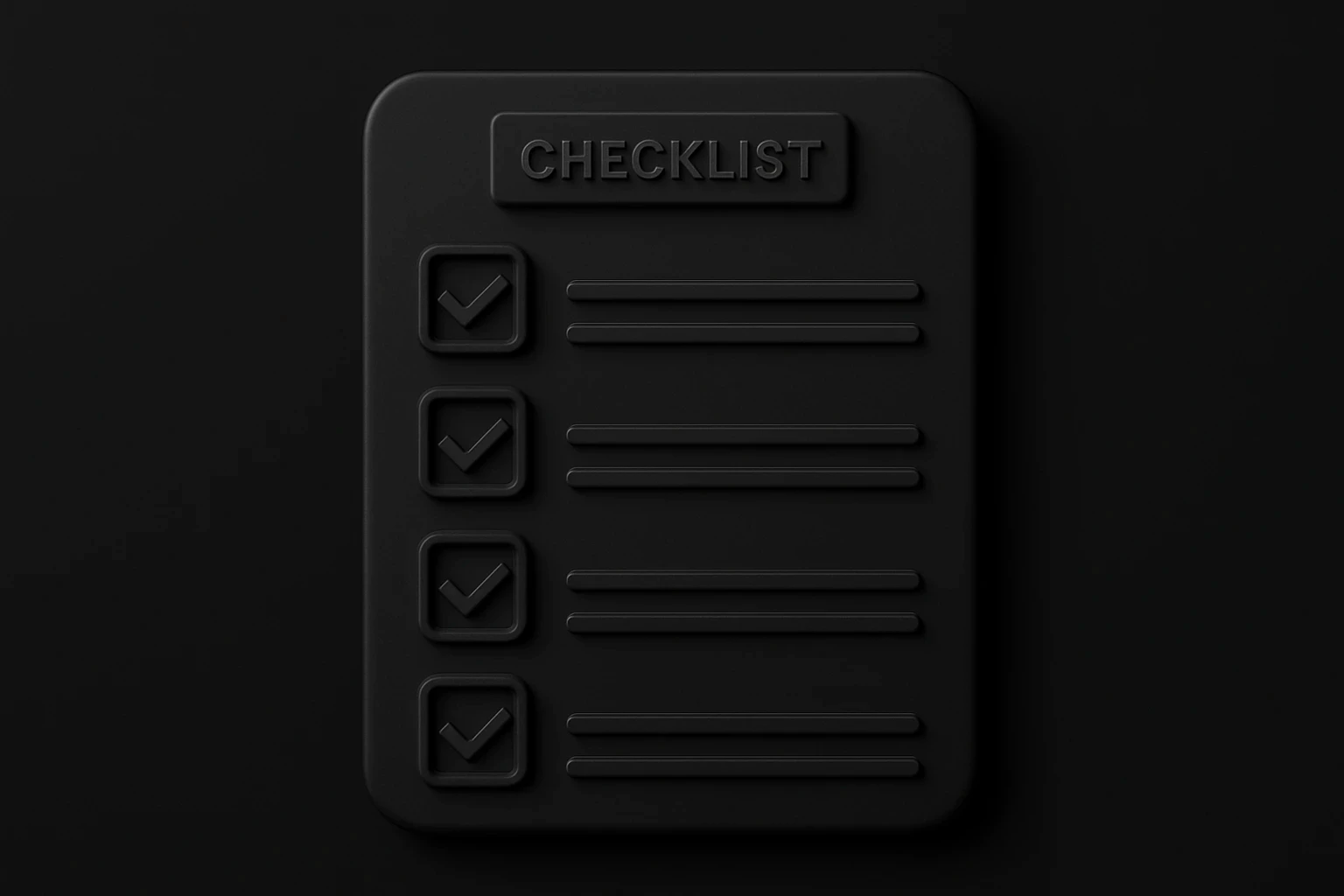
Pre-Launch Landing Page Checklist
Before publishing, confirm that:
The page has one clearly defined conversion goal.
The headline matches the campaign promise and traffic intent.
The hero explains the offer, audience, and benefit.
Every section supports the primary action.
Claims are supported by relevant proof.
The CTA explains what happens next.
The form requests only necessary information.
Confirmation and follow-up workflows function correctly.
Mobile layouts have been reviewed separately.
Text, controls, focus states, and forms are accessible.
Images, fonts, scripts, and animations are optimized.
Analytics and conversion events have been tested.
Page title, meta description, social preview, and favicon are correct.
Legal notices and consent mechanisms are present where required.
A checklist cannot predict conversion performance, but it prevents avoidable launch failures.
What to Test After Launch
A landing page is a campaign asset, not a finished poster.
Begin with the elements that can change how visitors understand the offer: headline, value proposition, CTA, form requirements, proof, and pricing presentation. Small color adjustments usually matter less than message clarity or offer strength.
Every A/B test should begin with a hypothesis. For example:
“If we replace the product-focused headline with an outcome-focused version that matches the search ad, more qualified visitors will start the form.”
Define the primary metric and guardrail before starting. Reducing the number of form fields may increase submissions while lowering lead quality. Conversion rate alone would hide that tradeoff.
Track what happens after the form too. Qualified leads, booked meetings, trial activation, purchases, and revenue provide more useful evidence than raw submission volume.
If results remain weak, a structured UX audit process can combine behavioral data, usability evaluation, and user feedback to identify the cause rather than guessing at isolated changes.
By
Fivecube Team
Frequently Asked Questions
Can I build a landing page without a website?
Yes. A landing page can be published on a standalone domain or subdomain using a builder or custom development. It does not need to be part of a larger website, although it should still have appropriate privacy information, analytics, and brand context.
Do I need a developer for a landing page?
Not always. Marketers can build straightforward pages with no-code tools. A developer becomes valuable when the page requires custom interactions, advanced integrations, strict performance optimization, reusable components, or behavior unavailable in the selected builder.
How much does landing page development cost?
Cost depends on research, copywriting, custom design, development method, animations, integrations, testing, and localization. A template-based page requires fewer resources than a custom campaign experience connected to several business systems.
How long does it take to build a landing page?
A simple page based on an existing design system can be launched quickly. A custom page that includes research, original copy, responsive design, development, integrations, and testing may take several weeks. The schedule should account for stakeholder feedback and content preparation.
What should a landing page include?
Most landing pages need a clear hero, benefit explanation, relevant proof, a focused CTA, and answers to important objections. Forms, pricing, product demonstrations, FAQs, or comparison sections should be included only when they support the specific offer and audience.
Knowing how to build a high-converting landing page is not about finding one perfect layout. It is about maintaining a clear connection between campaign intent, persuasive content, focused UX, reliable development, and measurable outcomes.
Previous Article
Want a tailored solution?
Let’s build something great together!