To animate a logo, start with a vector file, split it into separate layers, sketch how each part should move, then animate those layers with keyframes in a tool like After Effects, Canva, or Adobe Express. Finish by exporting a format that fits where the logo will play: MP4 or MOV for video, Lottie or SVG for websites and apps, GIF for email.
The last part is where most guides stop too early. A logo that opens a YouTube video and a logo that sits in your website header need different lengths, formats, and levels of complexity. Below you’ll find the full 8-step process, the techniques designers use most, a quick After Effects walkthrough, a tool comparison, and a breakdown of what to export for each use case.
What Is an Animated Logo?
An animated logo is a version of your static logo with motion added: the mark draws itself, letters slide or bounce into place, shapes morph into the final form, or the whole logo reveals behind a mask. It keeps the same design, colors, and proportions as your brand logo, and adds a short sequence that usually ends on the static version.

Motion grabs attention, and video is now part of almost every brand’s marketing: Wyzowl’s 2026 State of Video Marketing report found that 91% of businesses use video as a marketing tool. Every one of those videos needs an intro or an outro, and that’s where an animated logo usually lives first. It’s also one of the most common pieces of motion graphics a brand will commission.
Where You'll Use It: Length, Format, and Style by Use Case
Decide where the animation will play before you open any software. The use case sets the length, the file format, and how complex the motion can be.
Use case | Typical length | Format | Style notes |
|---|---|---|---|
Video intro or outro | 3 to 7 seconds | MP4, or MOV with alpha for editing | Room for a full reveal, sound, and more detail |
Website header or hero | 1 to 2 seconds, plays once | Lottie or animated SVG | Subtle, must not delay the page or distract from content |
App loader or splash screen | 1 to 2 seconds, often loops | Lottie or Rive | Clean loop with no visible jump, light file size |
Social media posts and stories | 3 to 10 seconds | MP4 | Bold and readable on a small screen with sound off |
Email signature | 1 to 3 seconds | GIF | Few frames, small file, readable at tiny sizes |
Presentations | 2 to 5 seconds | MP4 or GIF | Plays once on the title slide |
Many brands end up with two or three versions: a full reveal for video, a short one for the website, and a looping one for loaders. Planning them together keeps the motion consistent and saves rework later.
Bring Your Logo to Life
We plan, storyboard, and animate logos for video intros, websites, and apps, and deliver them in the formats each one needs.
How to Animate a Logo in 8 Steps
Prepare a vector version of your logo with each element on its own layer.
Define where the animation will play and how long it should be.
Pick a motion idea that fits your brand personality.
Sketch the key moments as a simple storyboard.
Choose a tool that matches your skills and the complexity of the idea.
Animate the layers with keyframes and easing.
Export in the right format for each use case.
Test on real devices and refine.
1. Prepare the file. Work from a vector file (AI, SVG, or EPS), never a PNG or JPG. Vectors stay sharp at any size and, more importantly, let you separate elements. Split the logo into the parts you want to move, like the icon, each letter, or a tagline, and put each on its own named layer. If the logo is one merged shape, this step can take longer than the animation itself.
2. Define the use case. Use the table above. A 6-second reveal makes no sense in a website header, and a 1-second fade looks thin as a video intro.
3. Pick a motion idea. The motion should say something about the brand. A fintech app might use precise, confident movement. A kids’ brand can bounce and squash. Check your brand guidelines, and if you don’t have any yet, our piece on corporate branding vs brand identity covers what they should include.
4. Storyboard. Sketch three to five frames: where the animation starts, the key moments, and the final lockup. Hand sketches are fine. At Fivecube, every motion project goes through a storyboard and then an animated prototype before the final animation, because changing a sketch takes minutes and changing a finished animation takes hours.
5. Choose a tool. Template tools like Canva work for simple fades and slides. Custom motion needs After Effects or a similar animation tool. More on this below.
6. Animate. Set keyframes for position, scale, rotation, and opacity, then apply easing so movement speeds up and slows down naturally. Linear movement is the quickest way to make a logo animation look cheap.
7. Export. Render every version you planned in step 2, each in its own format.
8. Test and refine. Watch the animation on a phone, a laptop, and inside the actual video or page. Check that the final frame matches the static logo exactly, that loops don’t jump, and that the file loads fast.
Logo Animation Techniques and Ideas
Most logo animations combine one or two of a handful of core techniques. Picking the right one matters more than stacking effects.
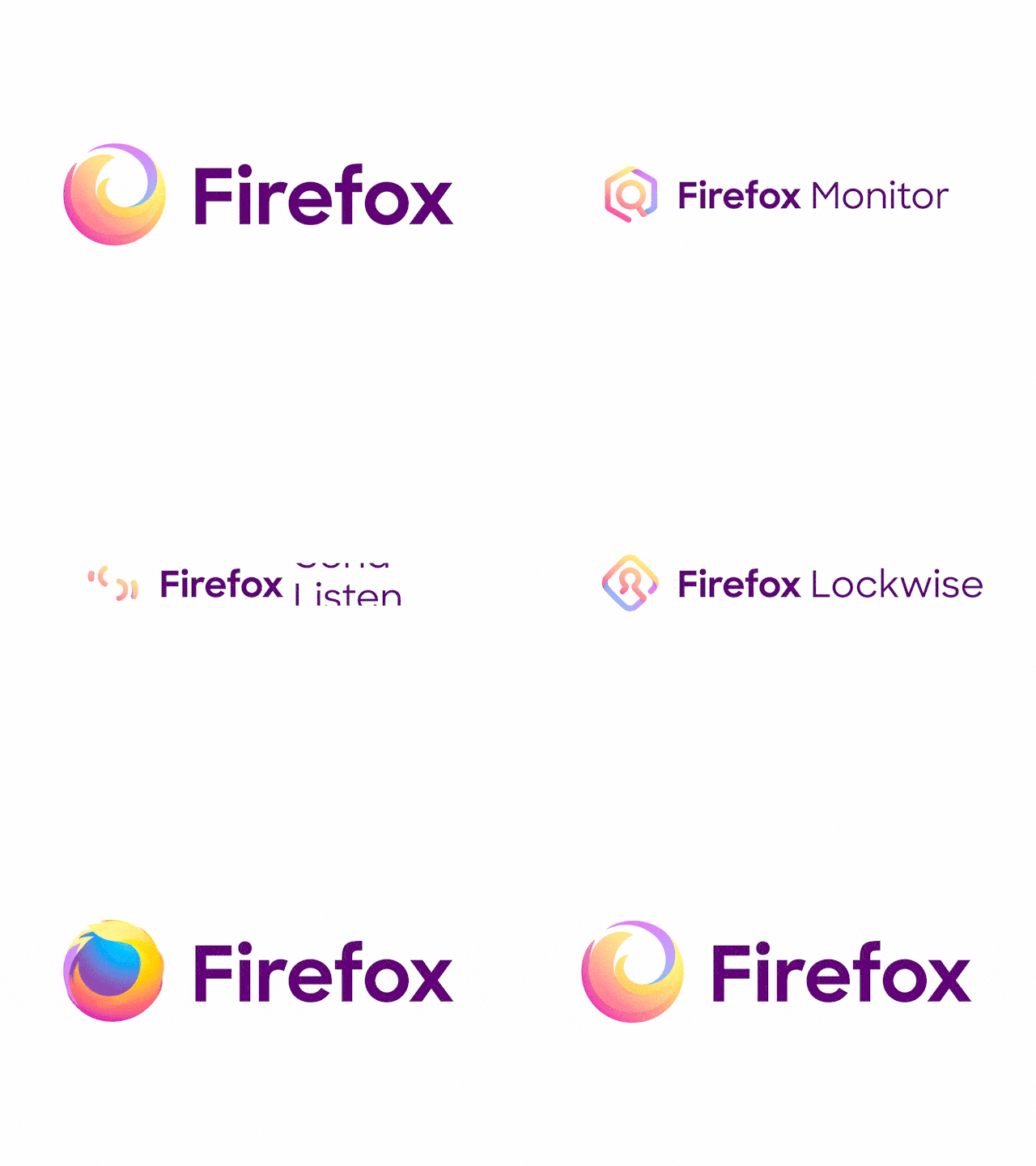
A line draw traces the outline of the logo and then fills it in, which suits logos built from strokes or geometric shapes. In After Effects this is done with the Trim Paths property. A mask reveal hides the logo behind a moving shape, so it wipes, slides, or rises into view; it’s clean, works for almost any logo, and reads well at small sizes.
Morphing turns one shape into another, for example a dot that stretches into the first letter, and works well when the logo has a simple, memorable symbol. Bounce and squash give the logo weight and personality, and suit playful brands. Assembly brings separate pieces in from different directions to snap together, which can show how a product connects things. 3D rotation and extrusion turn a flat logo into an object for a premium or tech feel, though it’s heavier to produce and to play back.
For a website or app, pick the simplest technique that still feels like your brand. For a video intro, you have more room to combine two techniques and add sound.
How to Animate a Logo in After Effects
After Effects is the standard tool for custom logo animation. Here’s the short version of the process.
Start in Illustrator. Put each element you want to animate on its own layer and save the file. In After Effects, import it as a Composition with Retain Layer Sizes, so every layer keeps its own anchor point. Then right-click the layers and choose Create Shapes from Vector Layer to turn them into shape layers you can animate in detail, including Trim Paths for line draws.
Next, set keyframes. Press P, S, R, or T to open position, scale, rotation, or opacity, and add keyframes at the start and end of each move. Select the keyframes and press F9 for Easy Ease, then open the Graph Editor to shape the speed curve. Most of the polish in professional logo animations comes from this step: a quick start and a long, soft landing.
Group finished parts with Pre-compose to keep the timeline manageable. Render video through Adobe Media Encoder. For websites and apps, export a Lottie file with the LottieFiles or Bodymovin plugin, and stick to shape layers and basic transforms, since some effects don’t carry over to Lottie.
Best Tools to Animate a Logo
Tool | Best for | Skill level | Notes |
|---|---|---|---|
Canva | Quick social and presentation animations | Beginner | Preset effects, limited control over individual elements |
Adobe Express | Simple animated logos for social media | Beginner | Templates and one-click animations |
AI logo animators | Fast drafts from a single image | Beginner | Generic results, little control over brand details |
Adobe After Effects | Custom, professional animation | Intermediate to advanced | Industry standard, exports video and Lottie |
Rive | Interactive logos in apps and websites | Intermediate | Animations that react to user input |
Blender or Spline | 3D logo animation | Intermediate to advanced | Spline is easier for web 3D, Blender for full 3D renders |
Free and template tools are fine for a social post or a quick test. If the animation will represent your brand everywhere, a custom version is worth it, because templates are used by thousands of other brands. We compare AI options in more detail in our roundup of AI tools for graphic design.
Exporting: Which File Format to Use
MP4 is the default for video and social media: small, universal, and easy to upload. If an editor needs to place the logo over other footage, export a MOV with an alpha channel (for example ProRes 4444) so the background stays transparent.
For websites and apps, use Lottie. It’s a JSON file that renders vector animation in the browser or app, so it stays sharp on any screen and weighs far less than video. Simple animations can also be built as animated SVG with CSS. Rive files do the same job when the logo needs to react to hover, taps, or loading states.
GIF is mainly for email signatures, where video and Lottie don’t play. Keep it short and small, since GIFs get heavy fast and don’t support smooth transparency.
Common Mistakes When Animating a Logo
The most common one is length. Twenty-second intros lose viewers before the content starts, and a website logo that animates for three seconds every page load gets annoying by the second click. Keep video intros under about 7 seconds and interface animations to one or two.
Overcomplicating the motion comes next. Too many moving parts make the logo hard to read, especially in a 40-pixel website header. If you can’t describe the animation in one sentence, it’s probably too busy.
Then there’s ending on the wrong frame. The last frame should be your exact static logo, with no leftover blur, offset, or color shift, because that’s what people will remember.
Finally, using one file everywhere. A single MP4 forced into a website header, an email, and an app loader will be wrong for at least two of them. Plan versions by use case from the start, and check that motion respects accessibility settings: on the web, the prefers-reduced-motion setting should show the static logo instead.
DIY or Hire a Designer?
If you need a simple fade or slide for a social post, a template tool will do the job in an afternoon. Hire a designer when the animation will represent your brand across video, website, and product, when the logo needs to be rebuilt in layers first, or when you need several versions that feel consistent.
At Fivecube, logo animation is part of our motion design services. We start with your brand and where the logo will appear, build a storyboard, review an animated prototype with you, and then produce the final animation in After Effects, Blender, or Spline. You get each version in the format it needs, from MP4 for video to Lottie for your site. If your static logo needs work first, our graphic design team can prepare it for animation.
Knowing how to animate a logo comes down to one rule: design the motion for the place it will play. Start with a clean vector file and a clear use case, keep the movement simple, and export a version for each channel. If you’d rather hand it to a team, we’re happy to take your logo from static to animated.
By
Fivecube Team
Frequently Asked Questions
How long should a logo animation be?
For video intros, 3 to 7 seconds is usually enough. Website and app animations should be shorter, around 1 to 2 seconds, so they don’t slow people down.
How much does logo animation cost?
Template and AI tools cost little or nothing beyond a subscription. Custom animation from a designer or agency is priced per project and depends on the number of versions, the technique (3D costs more than 2D), sound design, and whether the logo has to be rebuilt in layers first.
Can I animate a logo for free?
Yes. Canva and Adobe Express have free plans with basic logo animation effects, and Blender is free for 3D. Free options work for simple motion but give you less control and more generic results.
What software is best for logo animation?
Adobe After Effects is the industry standard for custom logo animation. Rive is the strongest option for interactive logos in apps, and Blender or Spline are common for 3D.
What file format is best for an animated logo?
Use MP4 for video and social media, MOV with alpha for video editing, Lottie or SVG for websites and apps, and GIF for email signatures.
Want a tailored solution?
Let’s build something great together!